Visual content often makes the first impression online. Whether it’s a product image, a social media post, a classroom presentation, or a marketing campaign, the quality of a photo significantly impacts how people respond. Traditional photo editing can be complex, expensive, and time-consuming.
Today, Artificial Intelligence is changing that experience. Users no longer spend hours mastering complicated editing techniques; they can use tools that simplify the whole process. This is where IObit AI Photo Editor proves useful, offering a great option for creating visually appealing content.
Turning Ideas into Polished Images
Many people have creative ideas but lack editing experience. A marketer may need eye-catching visuals for a campaign. A content creator might want clearer, sharper images for social media. Educators often look for engaging visuals during online classes.
The challenge is not creativity; it’s execution.
Traditional editing tools often have a steep learning curve. Users spend more time navigating menus and settings than developing their ideas. AI editing changes this, allowing for easy editing that anyone can use.
A Smarter Approach to Photo Editing
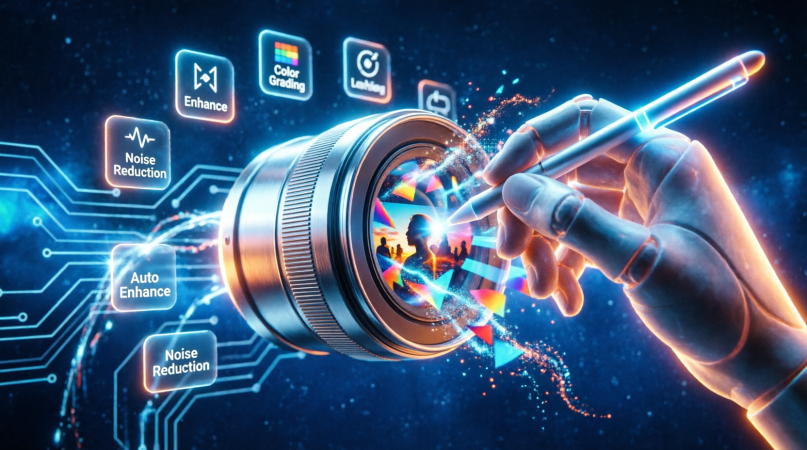
IObit AI Photo Editor is an AI-powered tool that simplifies photo enhancement and editing. The software automatically improves images, eliminating the need for manual adjustments.
This method helps users enhance image quality, refine visual details, and achieve a professional look without learning complicated technical skills. The tool reduces complexity and keeps creativity as the main focus.
This offers significant benefits for both individuals and businesses, allowing them to focus on creating valuable content rather than spending time on editing.
Creative Support Across Different Industries
AI photo editors are versatile and useful in various work environments. Bloggers, video makers, and social media users can enhance images for their content. Marketing teams can develop more effective visual campaigns without needing extensive design resources.
Teachers gain access to better and more dynamic visuals to engage students. Small businesses can improve their product images and promotional materials without breaking the bank on professional editing services.
IObit’s advanced editing tools make it easier for users to turn ideas into finished visuals quickly.
How to Use IObit
Getting started with AI for photo editing is simple:
1. Launch IObit AI Photo Editor.
2. Upload the image you want to enhance.
3. Select the enhancement or editing option you want to use.
4. Click to make changes and generate the final image.
This straightforward process allows users to achieve professional results in just minutes.
Creativity Works Best Without Barriers
The best creative tools are not the most complex; they are the ones that enable ideas to come to life quickly.
With IObit AI Photo Editor, users can focus on storytelling, communication, and design instead of technical hurdles. The software simplifies the editing process while still delivering polished and professional results.
In a time when speed, creativity, and efficiency matter, AI-driven editing tools are transforming how creators, educators, marketers, and businesses produce content.
When creativity meets intelligent technology, creating compelling images is easier than ever.