
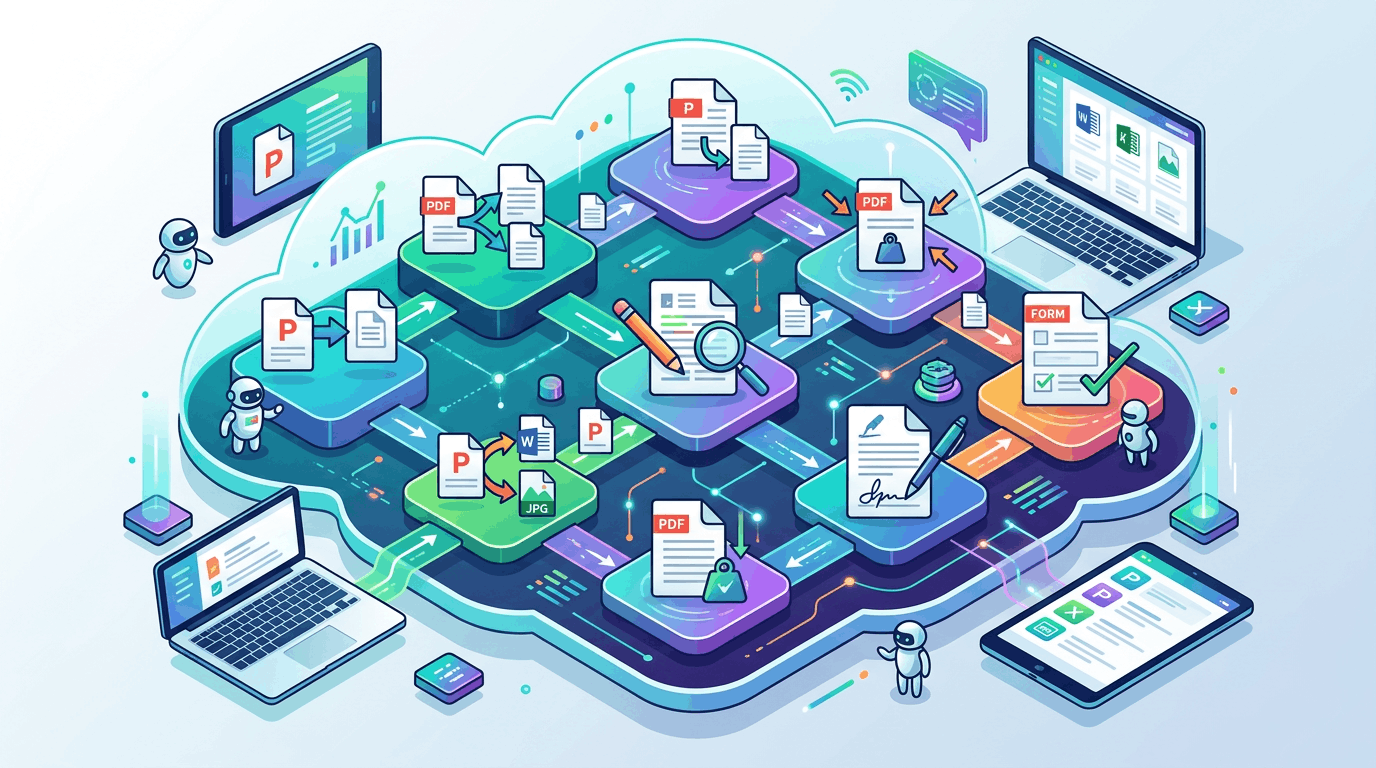
Free online PDF tools offer a quick means to work with PDF files directly in the browser. They give users the ability to merge, split, compress, and even add notes all without any additional software.
These free PDF online tools assist with quick edits for school, work, or personal files. Most sites provide drag-and-drop simplicity and different file size limits.
This article lists some of our favorites and what makes them cool.
1. ConvertPDF
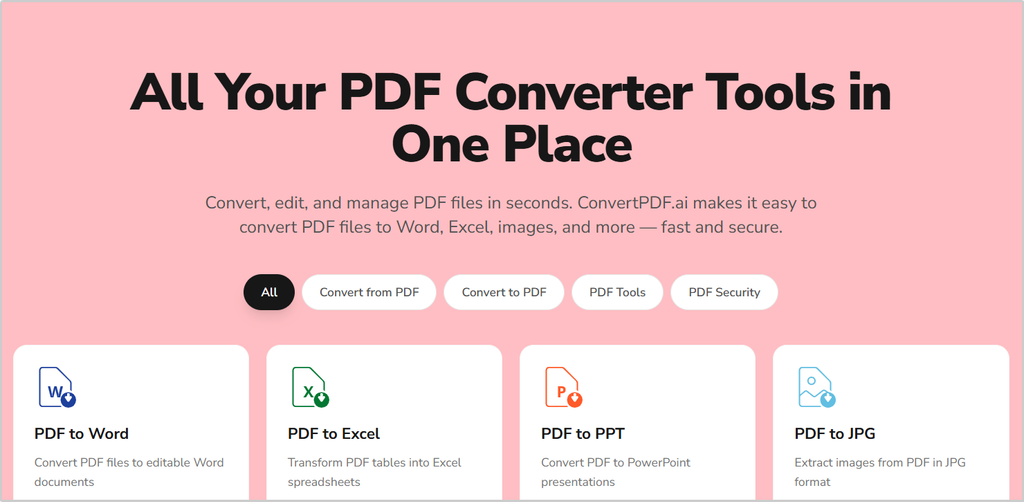
ConvertPDF.ai is unique because of its speedy file conversion, allowing users to convert Word, Excel, or image files into PDF in just a few clicks. We can all use the tool on a desktop or a phone. The site functions in several languages, so whether you speak English, Spanish, or French, the interface remains crisp and user-friendly.
The homepage conveniently displays all the conversion types, Word to PDF, JPG to PDF, and so on, so there’s no ambiguity. To illustrate, say a student needs to submit an assignment as a PDF, he can upload a Word document and receive a download link within seconds. No additional software is required.
ConvertPDF usually delivers hassle-free, with your converted files available quickly. Whether you’re a student, professional, or anyone in between, ConvertPDF.ai is a trusted companion for your PDF conversion needs.
In many cases, it’s just a matter of selecting the file, selecting the desired output, and pressing a button. Downloads fly and are stored securely for instant access. It’s a matter of seconds, and new users have no learning curve.
2. iLovePDF
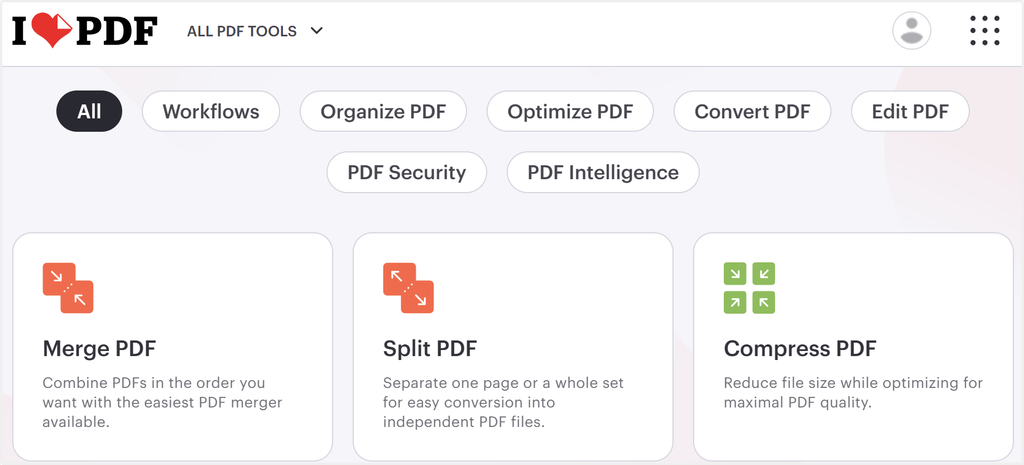
ILovePDF is notable for its easy-to-use dashboard that enables users to access more than 25 PDF tools in a single location. Need to combine a pile of scans, slice a massive file into pieces, or compress a PDF for speedy uploads? The site makes these jobs easy with drag-and-drop steps.
It handles essentials such as rotation and conversion, so turning Word, Excel, or even JPGs into PDFs is a breeze. If you’re a fan of annotating drafts, iLovePDF includes useful tools to highlight sentences, add comments, or sketch shapes.
Share your edits with a team in one click; send a link and let others review the file online. Uploads work from most cloud accounts, including Google Drive and Dropbox, which makes things faster if files are dispersed.
If you’re working with large tasks or confidential documents, you can use the desktop app for Mac or Windows, keeping processing seamless and offline. It’s made for users worldwide, with English, French, Spanish, and other languages supported.
Security is on their radar, but details are scant. Premium plans offer faster rates and no file caps.
3. Smallpdf
Smallpdf shines with its flexible PDF editor, allowing users to edit text directly in their PDFs, albeit this added power requires a Pro subscription. Free users can still merge files, add images, sign documents, or fill out forms with little hassle.
The platform’s file compressor rapidly reduces large PDFs, which facilitates file sharing or storage, and files maintain their clear appearance. With a few clicks, users can toggle between PDF, Word, and JPG formats, which is convenient when extracting text from scanned pages or setting up for printing.
Smallpdf packs a lot under one roof: 24 languages, tools like JPG to PDF, and over 40 million users each month. It’s a top 200 global website, too, demonstrating a broad footprint and deep confidence from users worldwide.
Security earns high marks as well. The 256-bit TLS encryption and ISO/IEC 27001 compliance ensure that things remain confidential and secure. For power users, the Pro upgrade provides unlimited access, advanced editing, and a 7-day free trial to try it all out.
4. PDFSimpli
PDFSimpli is the real deal for fast and easy online PDF editing. You can insert text, images, or a signature into any PDF, and this is useful for filling out forms or modifying documents before sending them off. The interface is designed with a clean appearance to assist non-technical users.
Not everyone finds it easy to use; some users have logged hours against seemingly rudimentary tasks, so your mileage may vary.
Batch editing accelerates work by allowing users to process multiple files simultaneously. For instance, you’re dealing with a pile of invoices — simply upload and edit or convert them as a group, saving you a ton of time.
The platform provides a free document converter and allows sharing edited files to other platforms using the Share feature, which can be helpful for users who have to collaborate or send files elsewhere quickly.
PDFSimpli says it keeps user data 100% secure, which helps reduce the risk of data breaches. It has mixed reviews, with a G2 rating from 3.8 to 4.5 out of 5.
Pricing begins with a 14-day plan at $1.45 and goes up to $12.99 for annual access.
5. Pdf House
One of the best features of PDF House is its fillable PDF form maker. Enterprises can create forms that allow customers to input information directly, minimizing paper clutter and saving time. If a team has to collect comments from partners around the world, they simply upload a template, configure fields for names, dates, or checkboxes, and distribute the form link.
It makes gathering data a whole lot easier.
The PDF converter in Pdf House meets a lot of needs. We might need to convert Word files into PDF for sharing or convert spreadsheets into PDF for archiving. The tool manages these switches nicely while maintaining consistent formatting.
To lock down sensitive files, PDF House allows you to apply password protection. If you want to share contracts or pay slips, this layer becomes safer. Password setting is swift and comforting when exchanging vital information.
6. Nitro PDF
Nitro PDF is notable for its robust editing tools designed for professional use. Easy-to-use drag and drop menus let you organize, edit, or merge PDFs without a learning curve. For team projects, shared editing links enable groups to add comments, make changes, and monitor updates. Updating a contract or reading through a proposal goes faster with notes in real time.
Optical Character Recognition (OCR) converts these scanned files into editable PDFs, so those old paper forms or receipts now become searchable and simple to update. Nitro PDF allows you to export files to Word, Excel, or PowerPoint, which is great for repurposing reports or invoices.
Security options protect files with password locks, permissions, and user logs. Batch processing automates big jobs like putting a logo stamp on hundreds of pages simultaneously. Integration with cloud storage, Box, Dropbox, Google Drive, and OneDrive means it’s easy to access or share files anywhere.
While Nitro PDF is available on Windows, Mac, and iOS, the interface felt familiar to most office workers. A free trial provides comprehensive access, allowing users to try batch tools, OCR, and sophisticated editing prior to purchasing a plan.
Subscription plans open up additional features for power users.
7. Free PDF Convert
Free PDF Convert is notable for speedy conversions and sleek usability. Featuring a drag-and-drop arrangement, users can drop Word, Excel, PowerPoint, or JPG files right from their browser, with no software required. Converting Word reports to PDF or image sets into one file takes just seconds.
It works online, so it’s equally good on your laptop as it is on your mobile phone. It’s fast, and files seldom require more than a minute to be converted. Security is handled with 256-bit SSL, and files are erased after approximately three hours.
Few tools allow us to edit PDFs, such as combine, split, rotate, or compress, without requiring any specific expertise. The interface remains accessible, with obvious buttons and descriptions so users of any technical proficiency can locate what they’re looking for.
There are restrictions. While a few of these free converters have session-based file limits, the output quality depends a bit on the tool. Still, for most primitive needs, Free PDF Convert breezes through the mundane with ease.
Conclusion
Free online PDF tools provide you a simple, immediate means of dealing with documents. Every tool on this list has its own strengths, such as superquick file conversion, minimal steps, or no registration required. Take Smallpdf, for instance, which provides one-click splitting and joining.
Convertpdf operates seamlessly across devices, eliminating the need to switch apps. Platforms such as Nitro PDF and iLovePDF offer secure uploading and ensure that your files remain confidential. To maximize these tools, test out a few and see which one meets your needs best.
With so much selection, you will discover the ideal one for your next project. Take a look through these alternatives and choose what suits you!
