
Introduction
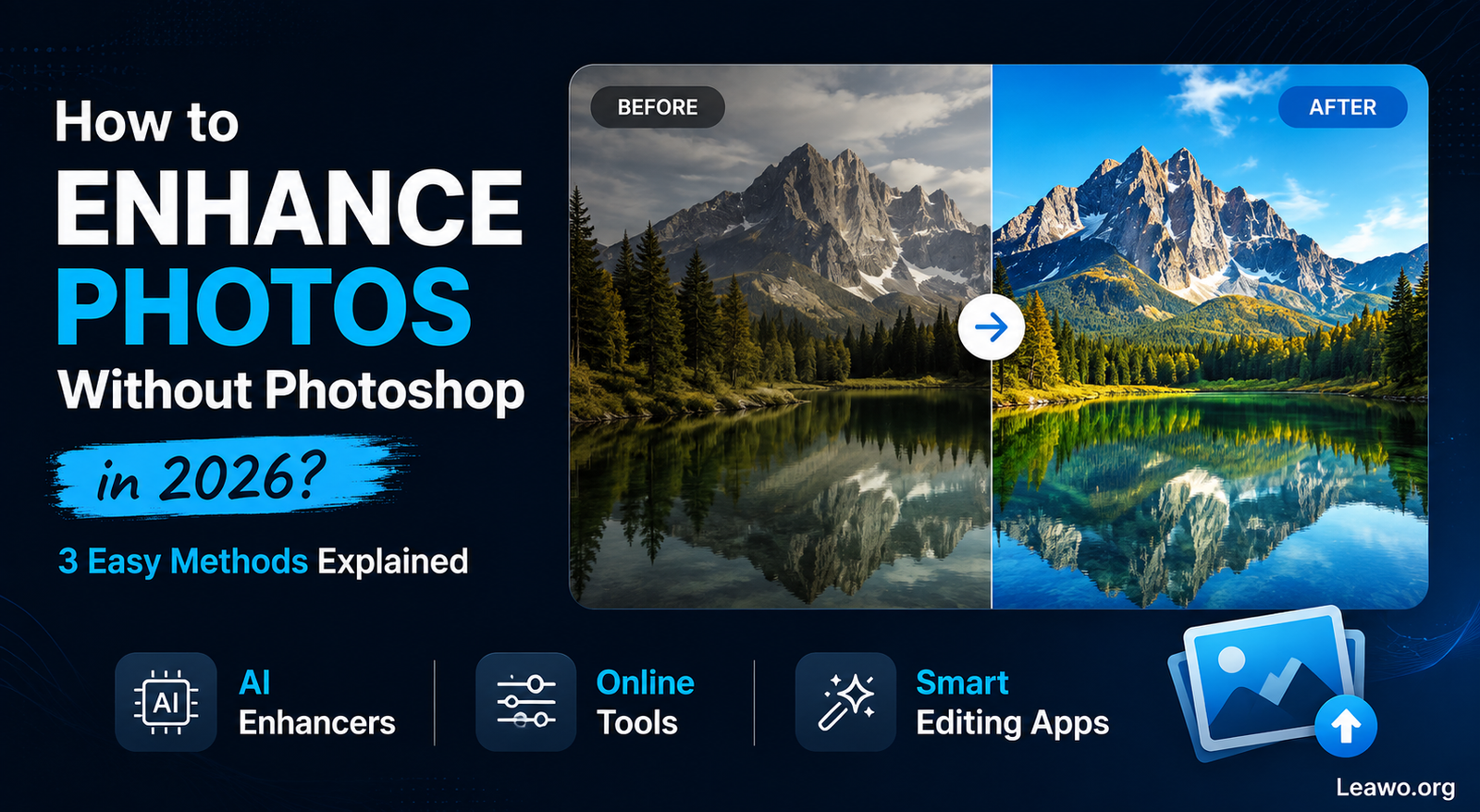
Good photos matter more than ever. Social media posts, online shops, ads, and personal albums all rely on clear, sharp images. A blurry or dull photo can make even great content look weak.
The good news? You do not need Photoshop skills to fix this. AI tools now let anyone enhance photo quality in just a few clicks. This guide shows three simple ways to do it in 2026.
Part 1. What Does Image Enhancement Actually Do?
Image enhancement improves how a photo looks. It fixes technical flaws while keeping the original scene the same.
Common Problems It Can Fix
- Blurry or soft photos
- Low-resolution, pixelated images
- Grain and digital noise
- Dull colors or weak contrast
- Dark or unevenly lit shots
Editing vs. Enhancement
Photo editing is about creative changes, like filters, effects, or removing objects. Photo enhancement is different. It focuses on clarity, sharpness, and color, without changing the photo’s core content.
Traditional vs. AI Enhancement
Traditional enhancement needs manual sliders and some editing know-how. AI enhancement is faster. It scans the photo and applies several fixes at once, which is perfect for beginners.
Part 2. Why Isn’t Photoshop Always the Best Choice for Beginners?
Photoshop is powerful, but that power comes with complexity. For a quick fix, it can feel like overkill.
Common Struggles for New Users
- A crowded interface with many tools
- A steep learning curve
- Manual adjustments for every fix
- Advanced features you may never need
Photoshop still shines for professional editing. But if you just want to enhance photo quality fast, simpler tools often do the job better.
Part 3. How Can You Enhance Photos Without Photoshop?
Here are three easy methods, and who each one suits best.
Method 1. Use an Online Image Enhancer
Online tools let you enhance photo quality online, right in your browser. No downloads needed.
Advantages:
- No installation required
- Easy to access from any device
- Simple, beginner-friendly steps
Limitations:
- Fewer editing controls
- Results vary by service
- Upload size limits may apply
Method 2. Use Built-In Photo Editing Tools
Your phone, tablet, or computer already has basic editing tools built in.
Best for:
- Brightness and contrast tweaks
- Cropping and rotating
- Simple color correction
These tools work fine for minor fixes. But they usually cannot restore detail, learn how to enhance a blurry photo the way AI does, or upscale a small image well.
Method 3. Use an AI Image Enhancer
AI enhancer software is the most powerful option for beginners who want real results without a learning curve.
Common AI features include:
- Automatic sharpening
- Noise reduction
- Color and contrast optimization
- Detail recovery
- Image upscaling
AI does the heavy lifting, so you skip the manual work entirely.
Part 4. How to Enhance Photos with Leawo Image Enhancer
4.1 What Is Leawo Image Enhancer?
Leawo Image Enhancer is a desktop AI tool built to make photo enhancement simple. You can learn more about it here: Leawo Photo Enhancer.
Its AI technology can help you:
- Increase image resolution
- Sharpen blurry details
- Improve colors and contrast
- Optimize overall image quality
4.2 What Makes It Beginner-Friendly?
- AI-powered automatic enhancement
- Straightforward interface
- One-click optimization
- Minimal setup needed
You do not need photo-editing experience to get good results.
4.3 How to Enhance an Image Step by Step
1. Launch Leawo Image Enhancer.
2. Import the photo you want to improve.
3. Select the enhancement option that fits your photo.
4. Let the AI analyze and process the image.
5. Preview the result and export the enhanced photo.
If you want even more editing options alongside enhancement, Leawo PhotoIns is another tool worth trying.
Part 5. Frequently Asked Questions About Leawo Image Enhancer
Is Leawo Image Enhancer Free?
It offers a free trial so you can test its features. Full access needs a paid license.
Does It Work on Windows and Mac?
Yes. It supports both Windows and macOS.
How Much Can It Improve Image Quality?
You can expect noticeable gains in sharpness, color, and detail, especially with older or low-resolution photos. It cannot fully rebuild severely damaged images, though.
Can It Enhance Old or Damaged Photos?
It can improve many blurry or noisy photos. But the outcome depends on the starting condition. Very damaged photos may still need dedicated restoration tools.
Conclusion
You do not need to master Photoshop to get better photos. Online tools and built-in editors handle small fixes well. For bigger improvements, AI tools like Leawo Image Enhancer offer a faster, easier path.
In 2026, anyone can enhance photo quality online or on desktop, without years of editing experience. AI enhancement is a practical Photoshop alternative for making photos sharper, clearer, and more polished, with far less effort.
